Ask a candidate to share their screen and their desktop looks spotless. No second window, no ChatGPT tab, nothing in the taskbar. And yet the answers keep arriving a beat late, a little too structured, eyes flicking to the same spot off-camera. That gap between a clean-looking screen and answers that feel assisted is the exact problem Cluely was built to create.
If you run remote interviews, "share your screen" is no longer proof of anything. Here is what Cluely actually is, why it slips past the checks most teams rely on, and a practical, non-paranoid way to detect it, without treating every honest candidate like a suspect.
What Cluely is
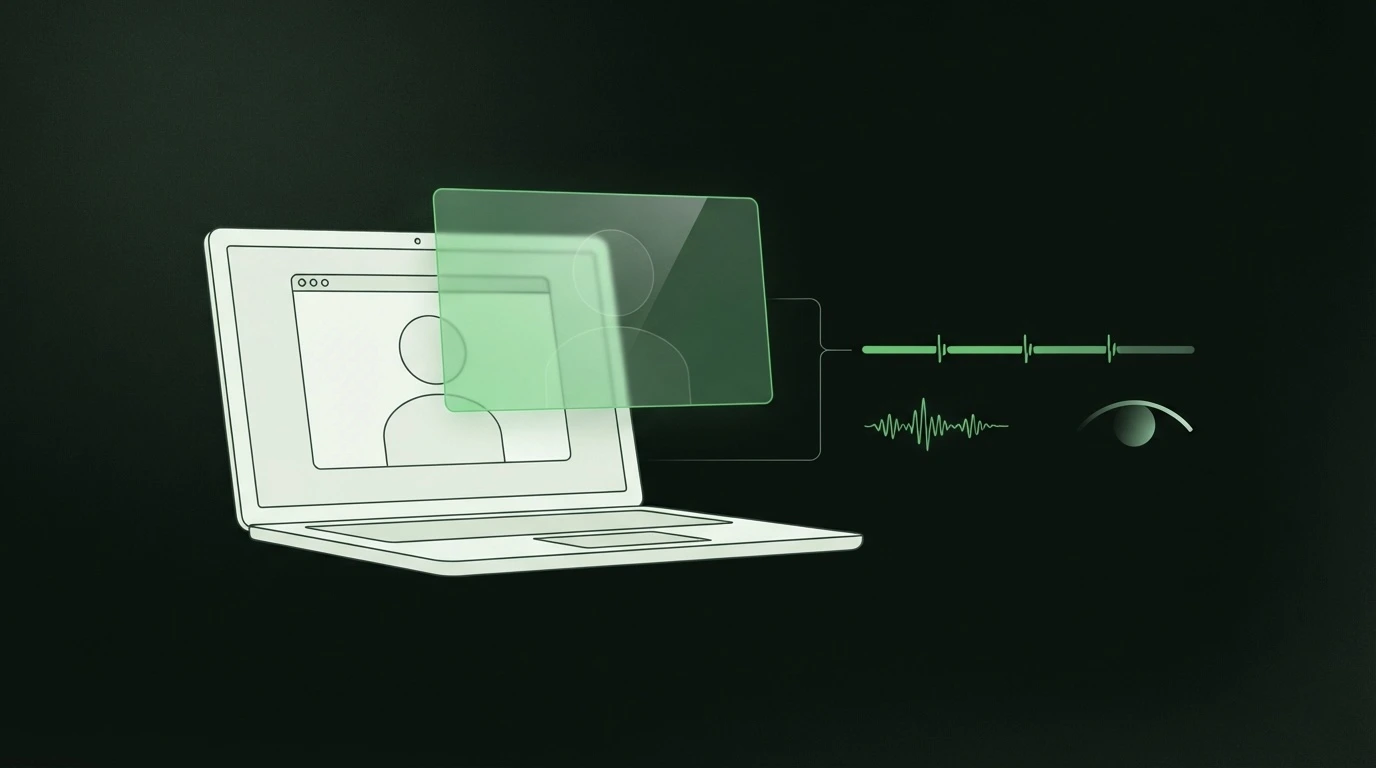
Cluely is a desktop app that markets itself as the #1 undetectable AI for meetings. It listens to your call in real time, reads what is on screen, and feeds the user instant answers in a floating overlay. Its own homepage promises it "never shows up in shared screens, recordings, or external meeting tools."
This is not a fringe project. Cluely raised $15M from a16z in June 2025, at a roughly $120M valuation, after a $5.3M seed round. It grew out of "Interview Coder," a tool built by co-founders who were suspended from Columbia for it. The pitch has always been the same: help someone get through a technical or job interview with AI whispering answers the interviewer cannot see.
It works. Not on merit, but mechanically it does what it says. That is why "just watch their screen" fails.
Why Cluely beats screen share and recording
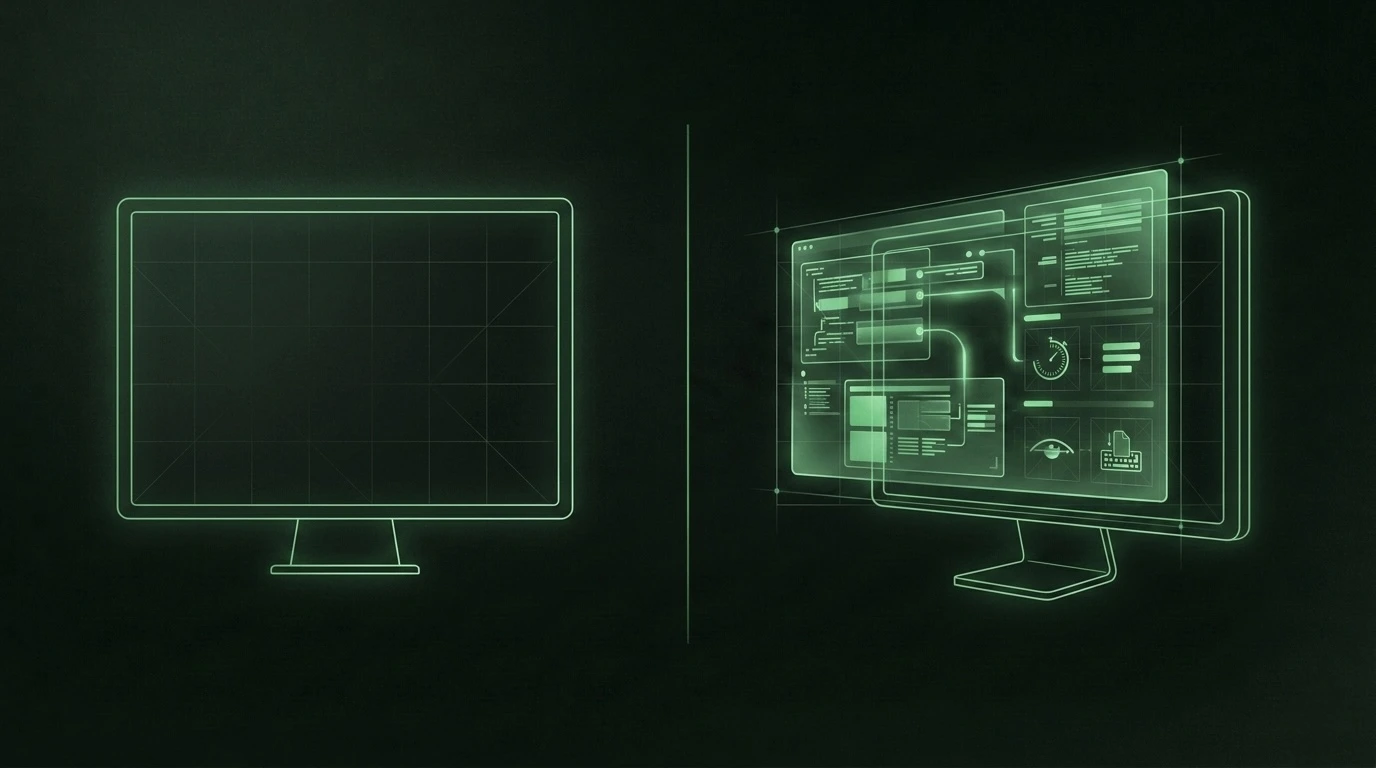
Screen sharing does not actually capture your screen. It captures the virtual framebuffer, the compositor's image of your windows. Cluely draws its overlay one layer below that, straight to the GPU's display output using low-level graphics hooks (DirectX on Windows, Metal on macOS). The pixels are physically on the candidate's monitor but never enter the data stream Zoom, Google Meet, or Microsoft Teams read. So the overlay is invisible on any screen-sharing video conferencing software and in recordings too.
There is more the eye cannot catch. Cluely does not open a visible window, does not sit in the taskbar, and does not appear in the Alt+Tab switcher. It does not join the meeting as a bot, so there is no extra name on the guest list. To anyone watching the share, the desktop looks clean because, in the captured feed, it genuinely is.
That is the uncomfortable part. The tools candidates now reach for are engineered specifically to defeat the one check most interviewers trust.
Is Cluely undetectable?
To the naked eye and to screen capture, essentially yes. To behavior, no.
Cluely cannot change how a human being behaves while reading a machine's answer off a hidden panel. It cannot remove the delay its own pipeline needs, and it cannot make a generated answer sound like a lived memory. The overlay hides the tool. It does not hide the tell.
This is the whole shift in mindset. You stop hunting for the app and start reading the person and the signal timeline. Detection vendors have shown this works in practice: one detection engine reports flagging Cluely with roughly an 85% cheating probability by analyzing 20-plus behavioral signals rather than looking for the software itself.
The signals Cluely leaves behind
No single sign is proof. A nervous, thoughtful, or non-native-English candidate can trip any one of these on their own. It is the combination, tied to the moment it happens, that matters.
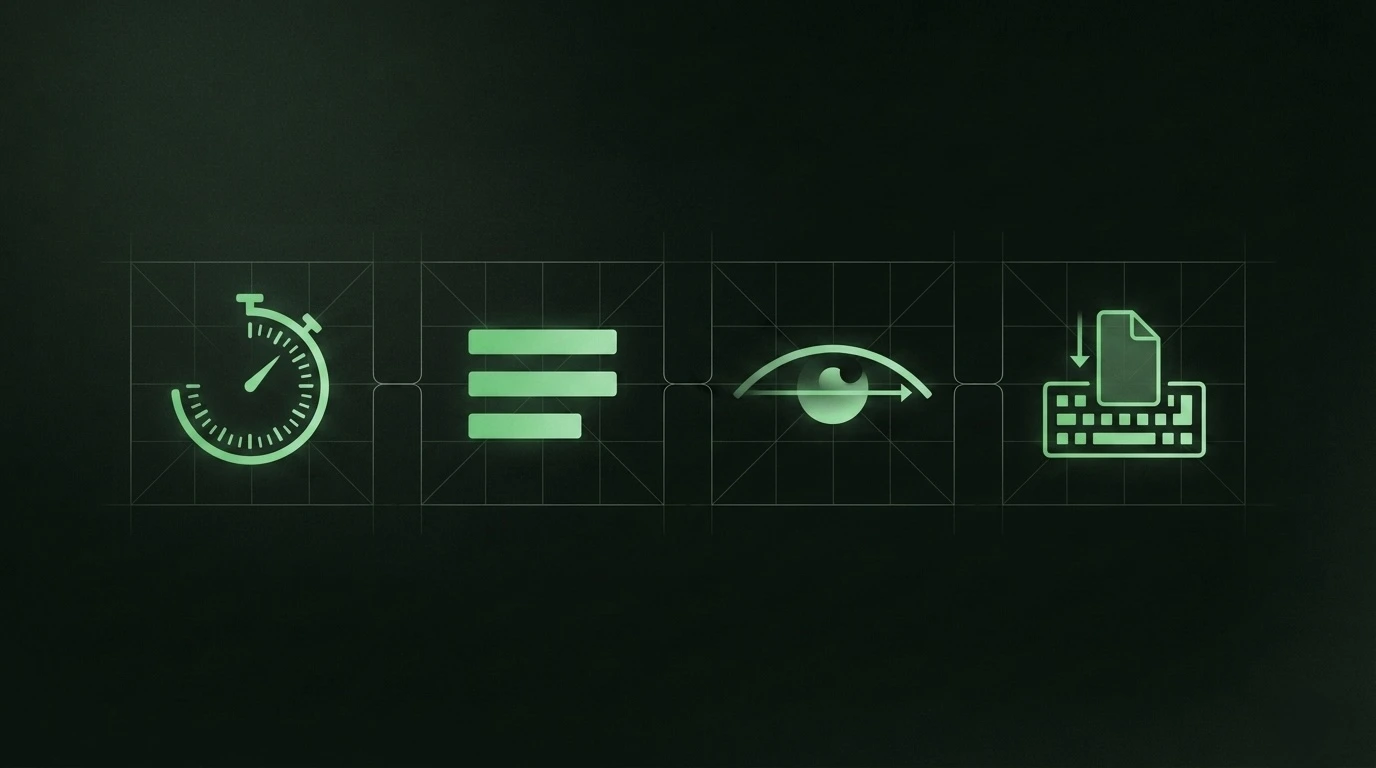
- A repeating answer latency. Cluely's loop is capture audio, transcribe, generate, display. That takes 3 to 5 seconds regardless of question difficulty. A human's pause varies: a quick reflex on an easy question, a longer think on a hard one. A near-identical delay before every answer, easy or hard, is mathematically odd. Another vendor describes the same 3-to-5-second processing pause that reads as "thoughtful silence".
- Answers that are too tidy. Rigid scaffolding ("There are three considerations. First. Second. Third."), textbook phrasing, and grammatically perfect delivery with no false starts or mid-sentence corrections. Real speech is messier than that.
- Reading gaze. Eyes tracking in smooth horizontal lines and snapping back to the left, or darting repeatedly to the same fixed off-camera spot. That is reading, not recalling.
- Paste cadence in coding or written rounds. Large, clean blocks appearing at once, or typing rhythm that suddenly turns metronomic, can signal content coming from somewhere else rather than being composed live.
- Desktop and audio artifacts. The overlay hides from the shared feed, but the candidate still interacts with it. Watch for eyes fixed on a screen region that is blank in the share, hotkey-style hand movements, or a subtle drop in conversational back-and-forth as they wait on the machine.
Two things keep this fair. First, weigh signals together, never in isolation. Second, remember false positives are real, some people just pause, read from notes they are allowed to use, or speak in structured lists by habit. The point is fairness, not catching everyone out. Our companion guide on how to spot AI-assisted answers goes deeper on separating a thoughtful pause from a hidden prompt.
A step-by-step detection checklist
You can run most of this in an interview you already do on Zoom or Meet.
Before the interview
- Set expectations in writing. State your AI policy and say the session may use consent-based integrity monitoring. Honest candidates appreciate a clear, level playing field.
- Prepare two or three follow-up "pivots" per core question, prompts that require expanding on a prior answer, not producing a new one.
During the interview
- Watch first-answer latency across several questions. Note whether the pause is uniform regardless of difficulty.
- Interrupt the script. Ask "walk me through the part you found hardest" or "explain that a different way." Tools lose the thread when forced to pivot fast; genuine experts get more specific.
- Drill into their own work. Exact numbers, names, and timelines on a project they listed. AI has no memory of their life, so specifics evaporate.
- Note gaze direction and whether their eyes read rather than recall.
- In coding or writing rounds, watch how content arrives, in one clean paste or composed in real time.
After the interview
- Do not decide on a single tell. Line the signals up against the timeline of when they happened.
- If something is off, use a structured, non-accusatory re-check: a fresh live problem, a different modality, or a short follow-up conversation. Keep a human in the final call.
Where real-time integrity monitoring fits
A sharp interviewer can catch a lot of this. But watching for micro-latency and gaze while also running a good interview is a lot to hold in your head, and memory is not evidence. The gap is real: 59% of managers suspect candidates misrepresent themselves with AI, yet only 19% are confident their process would actually catch it. Given that one in five professionals admit to secretly using AI in interviews and 55% call it the new norm, gut feel is not enough.
This is where consent-first, real-time monitoring earns its place. Trueyy sits beside your existing Zoom, Meet, or Teams call and reads device-level signals on the candidate machine, with their consent, no browser lockdown and no heavy install. It scores risk roughly every 30 seconds across apps and screen activity, keystroke and paste patterns, and voice signals, and it recognizes Cluely, Interview Coder, and 50-plus tools by the structure of what they produce rather than a keyword blocklist. No video is recorded or stored on Trueyy servers, and a human stays in the final decision. It turns scattered impressions into a timeline you can actually review. For the wider playbook, see our remote interview integrity guide.
Frequently asked questions
Is Cluely undetectable?
Visually, close to it: its overlay is engineered to stay out of screen shares and recordings, and it leaves no window or taskbar entry. Behaviorally, no. It cannot hide the 3-to-5-second answer latency its pipeline needs, the reading gaze, or the machine-tidy structure of its answers. Detection works by reading those behavioral signals, not by finding the app.
Can you see Cluely on a screen share or recording?
No. Cluely renders its overlay directly to the GPU display output, below the layer that screen-sharing software captures. So the shared feed and any recording show a clean desktop even while the overlay is live on the candidate's own monitor. This is exactly why "share your screen" is no longer a reliable check.
What does Cluely look like to the interviewer?
Nothing obvious. There is no bot on the call, no extra guest, no visible app. What you may notice instead is behavior: consistent answer delays, eyes reading off to one side, and answers that are unusually polished and structured. The tool is invisible; the human response to it is not.
Can monitoring detect Cluely without recording video?
Yes. Trueyy captures transcribed interview audio and screenshots, encrypted and retained per policy, but does not record or store video on its servers. It flags Cluely and similar tools using device-level signals and structural output signatures, then scores risk in near real time, with candidate consent and no biometric identification.
Is it fair to check for Cluely in an interview?
It is, as long as you are transparent and consistent. Tell candidates your AI policy up front, use consent-based monitoring, weigh multiple signals rather than one, and keep a human in the final decision. The goal is a level playing field for honest candidates, not surveillance, so guarding against false positives is part of doing it right.
Screen share stopped being proof the moment tools like Cluely learned to hide from it. The fix is not more suspicion, it is better signals tied to the moment they happen. Book a demo to see how Trueyy turns those signals into a timeline you can trust.