In one analysis of 19,368 interviews between July 2025 and January 2026, 38.5% of candidates were flagged for cheating behavior. That is not a rounding error you can ignore, and it explains why "AI cheating detection" has become a category people shop for rather than a feature they stumble into.
The problem is that the category is a grab bag. Search "best AI interview cheating detection tools" and you get lists that mix exam lockdown software, code-similarity checkers, and live-interview detectors as if they were interchangeable. They are not. Each was built for a different moment in your hiring process, and pointing the wrong one at your problem is how teams end up with a tool that feels invasive and still misses the thing they were worried about.
This guide sorts the landscape into the categories that actually matter, tells you where each one wins, and gives you a short list of questions to ask before you buy. We build one of these tools, Trueyy, so we will be upfront about where it fits and where it does not.
What "AI cheating detection" actually covers
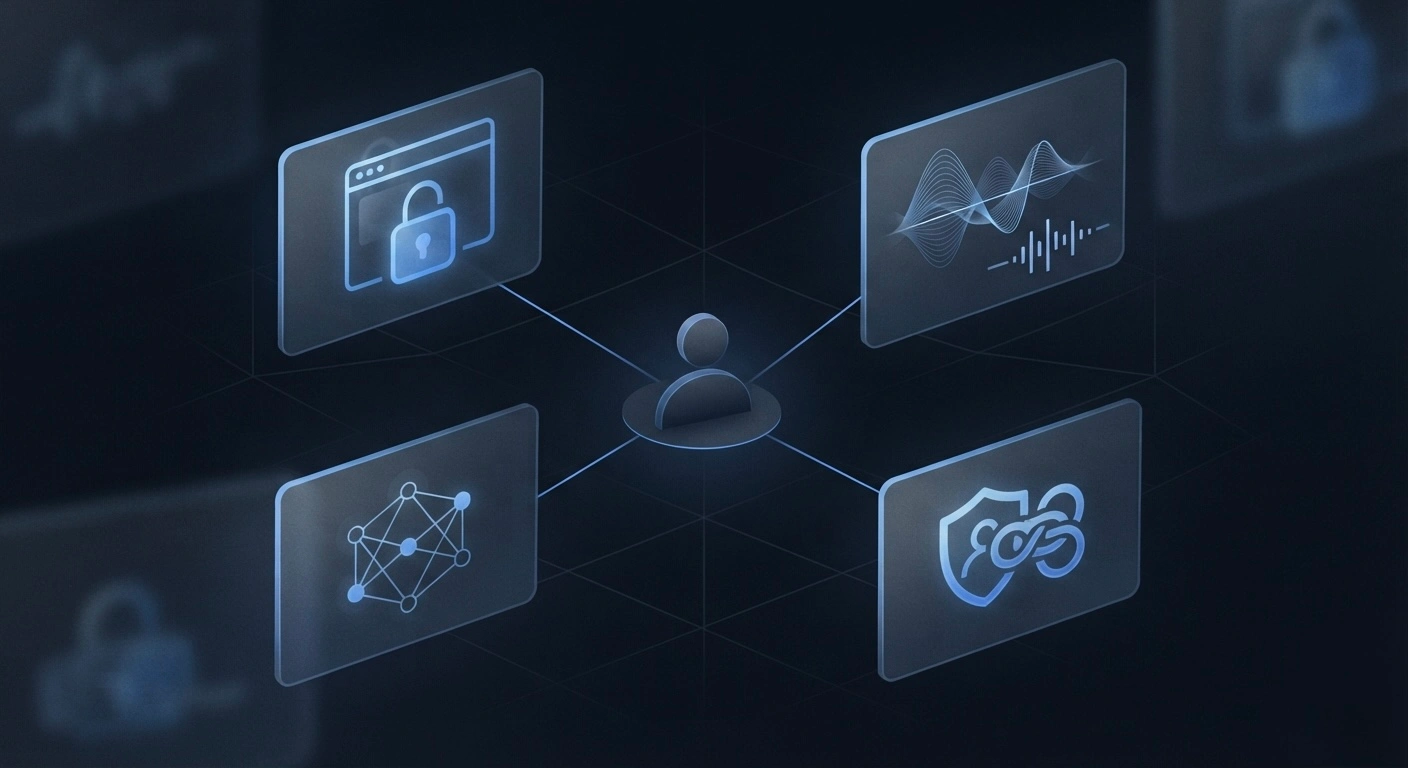
Under the same search term you will find four genuinely different kinds of software:
- Live-interview signal detection. Watches for real-time AI assistance during a two-way interview on Zoom, Google Meet, or Microsoft Teams. This is Trueyy's category.
- Exam and assessment proctoring. Locks down a browser and records the session while a candidate answers fixed questions in a timed test. Proctorio, Honorlock, and the proctor modes inside assessment platforms live here.
- Code plagiarism and similarity checkers. Compare submitted code against other submissions and public corpora to flag copied or AI-generated solutions. Think MOSS, Codequiry, and the similarity checks built into coding-assessment tools.
- Live monitoring and identity verification. Confirms the person on the call is who they claim to be and flags deepfakes or proxy interviewees.
Most buyers actually need one or two of these, not all four. The trick is knowing which moment in your process you are trying to protect.
How to choose: seven questions before you buy
Before you compare feature lists, answer these. They will narrow the field faster than any vendor demo.
- What are you protecting? A timed test, a take-home assignment, and a live conversation are three different problems. The right tool follows the moment, not the other way around.
- Real-time or after-the-fact? Some tools score risk during the interview so you can adjust in the room. Others hand you a report the next day. Both are valid, but they change how you act.
- Whose machine is it? In an exam, an institution can mandate a locked environment. In hiring, you are a guest on someone's personal laptop for 45 minutes. Deep lockdown of a candidate's machine is impractical and a poor experience.
- What surface does it watch? Browser-only tools miss anything that runs outside the browser. The tools candidates reach for most now are invisible overlays that never touch the browser at all.
- Keyword blocklist or structural signatures? A blocklist of app names is trivial to defeat by renaming a tool. Detection based on the structure of AI output holds up better.
- How does it handle false positives? A nervous candidate, a non-native English speaker, or someone who pauses to think can trip a single signal. You want multiple signals weighed together and a human making the final call.
- What is the privacy posture? Does it record and store video? Does it use biometric identification? The lighter the footprint, the easier it is to run consent-first and stay on the right side of candidates and the law.
Keep those answers handy. They map cleanly onto the four categories below.
The categories, and where each one wins
Live-interview signal detection
This is the newest category and the one built for the exact problem the Blind survey surfaced: 20% of professionals admitted secretly using AI during interviews, and 55% said it has become the new norm. The threat here is not a copied exam answer. It is real-time assistance whispered into a live conversation.
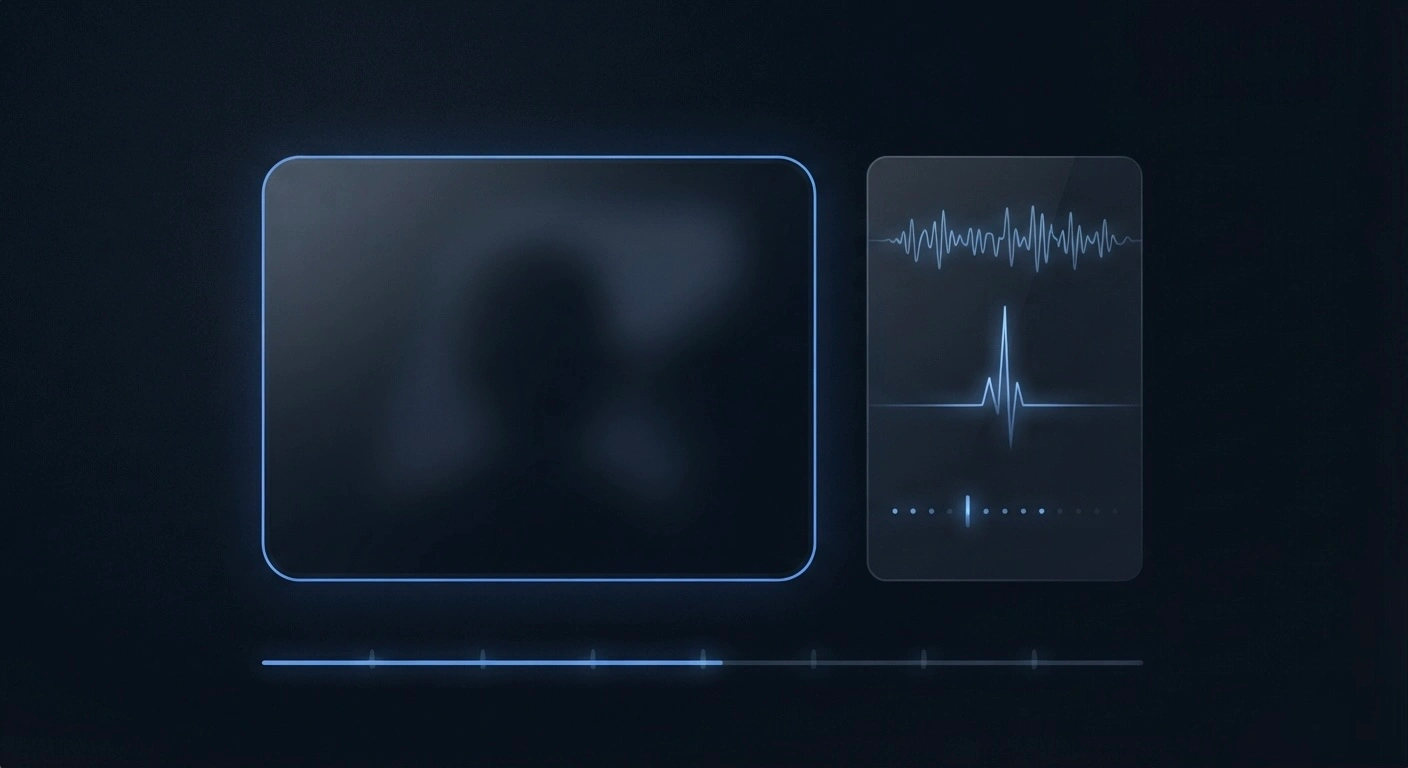
Trueyy sits in this slot. It does not replace your Zoom, Meet, or Teams call and it does not lock the candidate's machine. It sits beside the call and reads device-level signals on the candidate's computer in real time, with their consent, no browser lockdown and no heavy install. It scores risk roughly every 30 seconds across three surfaces: apps and screen activity, keystroke and paste patterns, and voice signals. It recognizes ChatGPT, Claude, Gemini, Copilot, Cluely, Interview Coder, and 50-plus tools by the structure of what they produce, not a keyword blocklist, so a tool that renames itself does not slip through. Reading-gaze detection is on the roadmap, not live yet.
The privacy posture is deliberately light: no video is recorded or stored on Trueyy servers, there is no biometric identification, and a human always makes the final call. The output is a risk timeline you review, not a verdict the software hands down.
Where it wins: conversational technical and behavioral interviews where the risk is live AI assistance and you cannot, and should not, lock down someone's personal laptop. Where it does not fit: a timed, one-directional exam inside an LMS. That is a different category, below.
Exam and assessment proctoring
Proctorio, Honorlock, and the proctor modes built into assessment platforms are very good at one specific job: securing a timed test inside a controlled window. They lock the browser, disable tabs and clipboard, verify identity, record webcam and screen, and rank each attempt with a suspicion score for a human to review afterward.
For a certification exam, a timed skills test, or a take-home assessment that lives in a learning management system, that is exactly right. The task is one person answering fixed questions in a window you control, so lockdown fits the shape of the problem.
Where it wins: high-stakes exams and timed assessments. Where it does not fit: a live, two-way interview. A conversation needs the candidate's video, screen share, maybe an IDE, and a browser open at once, and there is no single window to seal. We wrote a longer, no-strawman breakdown in Trueyy vs Proctorio if you are weighing exactly that trade-off.
Code plagiarism and similarity checkers
MOSS (the Stanford Measure of Software Similarity), Codequiry, and the code-similarity and plagiarism checks built into coding-assessment platforms compare a submission against other submissions and public code to flag copying. Newer versions add heuristics aimed at AI-generated code.
These are strongest on asynchronous work: take-home projects and coding challenges a candidate completes on their own time, where you cannot watch them work and need to check the artifact after the fact. They are not real-time interview tools, and they say little about a live conversation.
Where it wins: take-home coding tasks and async assessments. Where it does not fit: catching live assistance during a synchronous interview, where there is no submitted file to compare. If your process leans on coding tests, our Trueyy vs HackerRank comparison walks through where assessment tooling ends and live-interview detection begins.
Live monitoring and identity verification
The last category answers a different question: is the person on the call actually who they claim to be? Identity-verification and deepfake-detection tools matter because proxy interviews are real. In the Checkr survey of 3,000 managers, 59% suspected candidates of using AI to misrepresent themselves, while only 19% were confident their process would catch a fraudulent applicant.
Where it wins: confirming identity and flagging deepfakes or stand-in interviewees. Where it does not fit: telling you whether a verified candidate is getting real-time AI help. Identity and assistance are separate problems, and a tool that solves one rarely solves the other.
Matching the tool to the job
| Your problem | Category to shop | Example tools |
|---|---|---|
| Live AI help during a Zoom/Meet/Teams interview | Live-interview signal detection | Trueyy |
| Timed exam or certification in an LMS | Exam and assessment proctoring | Proctorio, Honorlock |
| Take-home or async coding challenge | Code plagiarism / similarity checker | MOSS, Codequiry |
| Is this the real candidate? | Identity verification / deepfake detection | ID-verification tools |
Most hiring teams end up with two: one to secure any test or take-home, and one to watch the live interview. The failure mode is buying a single tool and forcing it to do a job it was never built for.
A word on false positives and fairness
Whatever you buy, the goal is a level field for honest candidates, not surveillance. Suspicion scores and risk timelines are inputs to a human decision, never the decision itself. A candidate who is nervous, thinks out loud, or speaks English as a second language can trip a single signal without doing anything wrong.
That is why the questions above matter more than the feature checklist. Weigh multiple signals together, keep a person in the loop, get consent up front, and apply the same process to every candidate. A tool that produces false positives you act on blindly is worse than no tool at all. For a feature-by-feature view of how the options stack up, our comparison page lines them up side by side.
Frequently asked questions
What is the best tool to detect AI cheating in interviews?
There is no single best tool, because "interviews" covers timed tests, take-home tasks, and live conversations, and each needs a different category. For a live remote interview where the risk is real-time AI assistance, a purpose-built live-interview detector like Trueyy fits better than exam lockdown or a plagiarism checker. For a timed certification exam, an exam proctor is the right choice.
Can you detect ChatGPT or Cluely during a live interview?
Yes, if the tool watches the right surface. Overlays like Cluely and Interview Coder render below the screen-share layer and never touch the browser, so browser-only lockdown does not see them. Trueyy recognizes ChatGPT, Claude, Gemini, Copilot, Cluely, Interview Coder, and 50-plus tools by the structure of their output and scores risk in near real time.
Does AI cheating detection software give false positives?
Any single signal can misfire, which is why good tools weigh several signals together and keep a human in the final decision. Nerves, thinking out loud, and non-native English can all trip a lone indicator. Treat a risk score as a prompt to look closer, not a verdict, and apply the same process to every candidate.
Do I need exam proctoring or interview detection software?
It depends on what you are protecting. If candidates take a timed test or certification inside a browser or LMS, exam proctoring fits. If you are running conversational interviews on Zoom, Meet, or Teams, live-interview detection fits. Many teams use both, one for the test and one for the interview.
Is it legal to monitor candidates for AI use during interviews?
The safe posture is consent-first and transparent: tell candidates what is monitored, get their agreement, avoid biometric identification, and keep data retention tight. Trueyy is built this way, with no video stored on its servers and a human in every final decision. Laws vary by region, so confirm your approach with counsel, but consent and transparency travel well.
The category is noisy, but the decision is simple once you name the moment you are protecting. Lock down the exam, check the take-home, verify identity, and read the signals in the live interview, each with a tool built for that job. If the live interview is the part keeping you up at night, book a demo and see how Trueyy fits beside the calls you already run.